
· cyber security · 4 min read
AI Makes Phishing Sound Like Your Office Manager
The typos are gone. The voice on the voicemail is yours. October is Cybersecurity Awareness Month, and the scams aimed at practices no longer look like scams. Here’s what changed and the one verification rule that survives a convincing fake.
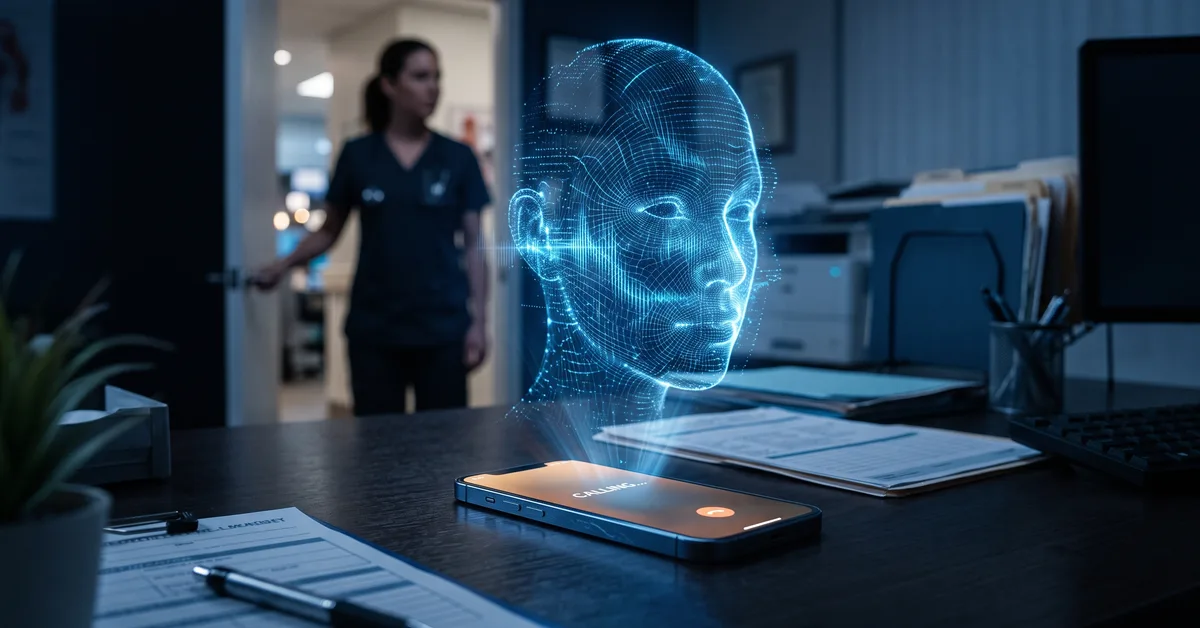
AI Makes Phishing Sound Like Your Office Manager
For years, the advice was simple: look for the typos.
Bad grammar, a strange greeting, a sender address that was almost right. Phishing emails announced themselves if you paid attention.
That advice is now out of date.
Attackers have the same AI tools your team does. They can write in flawless English, match the tone of a specific person, and, increasingly, sound like that person on the phone. The tell-tale signs your staff were trained to spot are gone.
October is Cybersecurity Awareness Month, which makes it a good time to update the training. Here are four things owner-doctors need to know.
The typos are gone
An attacker who scrapes your website, your staff’s public profiles, and a few of your practice’s past emails can hand that to an AI model and ask for a message in your office manager’s voice.
The result is a clean, specific, plausible email. It references a real vendor. It mentions the payer change you actually just went through. It’s signed the way she signs.
Nothing about it looks wrong, because nothing about it is sloppy. The only thing wrong is who sent it.
Voice, video, and the office manager’s writing style
Text was the first thing AI made easy to fake. Voice is next, and it’s already here.
A few seconds of someone’s voice from a voicemail greeting, a video on the practice’s social media, or a recorded webinar is enough to generate speech that sounds like them saying anything. A phone call from “the doctor” asking the bookkeeper to move a payment while he’s in surgery is no longer a movie plot.
Video is following the same curve. The specifics will keep changing. The underlying shift won’t: you can no longer trust that a message is real because it sounds like the person.
Why practices are the target
Attackers go where the money moves and the urgency is normal.
A dental or medical practice moves payroll, pays vendors, changes payer banking information, and refunds patients. Staff are trained to be responsive, and “the doctor needs this now” is an ordinary sentence in the building.
Practices also tend to have a small team where one person handles the money and everyone knows the owner’s schedule. That’s exactly the setup a convincing fake is designed to exploit: one busy person, one trusted voice, one urgent request, no second check.
A verification rule that survives a convincing fake
Since you can no longer tell real from fake by looking or listening, the defense has to be a process that doesn’t depend on either.
The rule is short:
- Any request to send money, change banking details, buy gift cards, or share credentials gets verified through a second channel before anyone acts
- The second channel is a phone number or a face-to-face conversation the practice already had on file, never a number or link inside the request itself
- No exceptions for urgency, for the owner, or for “I’m in a meeting and can’t talk”
Write it down. Say it at the staff meeting. Then test it: send your own team a plausible fake and see who calls to check.
The goal isn’t to catch people. It’s to make the callback so routine that a real attacker’s pressure has nothing to push against.
Train for the version that’s coming, not the one that’s gone
If your security awareness training still centers on spotting misspellings, it’s teaching your team to catch last decade’s attack.
Current training needs to cover AI-generated messages, voice impersonation, and the verification rule above. It needs to be repeated, because staff turn over and attackers iterate. And it needs to be paired with the technical controls that catch what people miss: email filtering that flags external senders, multifactor authentication on every mailbox, and monitoring that notices when an account starts behaving strangely.
Awareness alone was never enough. Now it’s not even the first line.
We help practices update their security awareness training for AI-driven attacks, put the technical controls behind it, and run the tests that show whether the rule actually holds. It starts with a 10-minute discovery call.
Call us at 405-253-5101 or schedule a discovery call to get started.