
· cyber security · 4 min read
Email Is Still How Patient Data Leaks
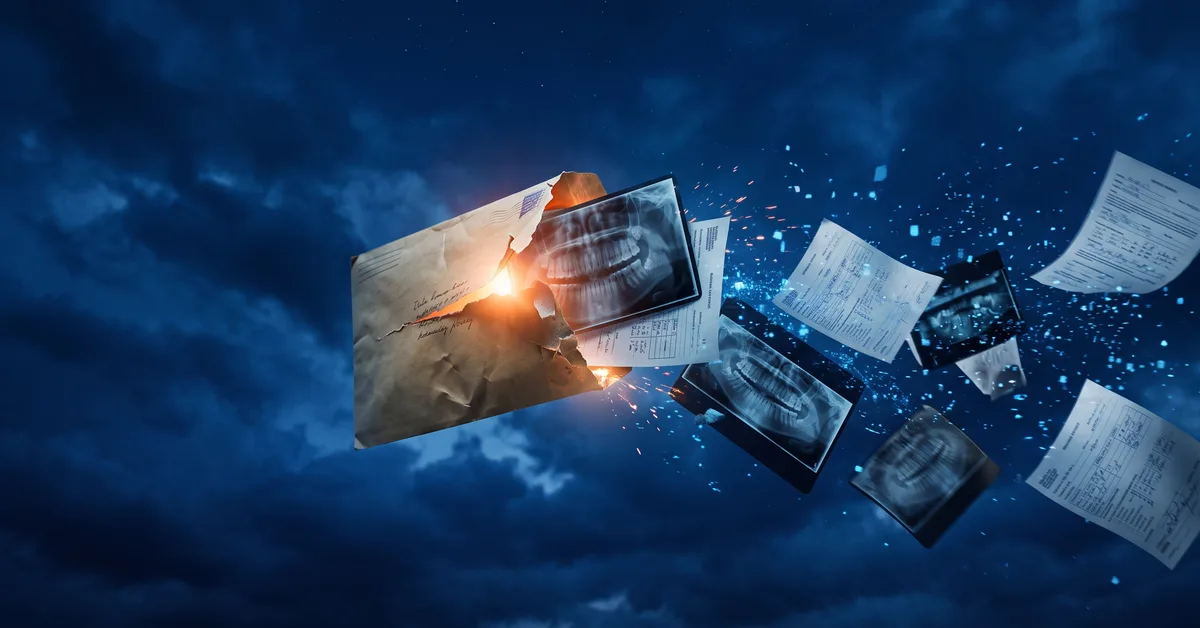
Records to the specialist, a referral to the oral surgeon, an X-ray to a patient who asked — all sent by email, all unencrypted, all normal. Here are three ways patient data leaks through the inbox, and how to fix it by policy instead of memory.
Email Is Still How Patient Data Leaks
Think about what left your practice by email last week.
A records request to a new provider. A referral with a treatment summary attached. An X-ray a patient asked for. A billing question with an account number in it. A spreadsheet of overdue balances to the collections vendor.
All routine. All containing protected health information (PHI). And in many practices, all sent the same way you’d send a lunch order.
Ransomware gets the headlines. Email is where the everyday leaks happen. Here are three ways it goes wrong, and what closes the gap.
Email is the front door everyone forgets
Practices spend real money on firewalls, endpoint protection, and backups. Those protect data sitting inside the practice.
Email is how data leaves. Every day, on purpose, to people outside the building, through servers you don’t control, to inboxes you can’t see.
That’s not a reason to stop using it. It’s the reason email deserves the same deliberate attention as the systems that hold the data in the first place.
1. The wrong recipient
Autocomplete fills in the wrong “Dr. Smith.” A reply-all includes someone who shouldn’t be there. A patient’s records go to another patient with a similar name.
This is the most common email incident in small practices, and it doesn’t require an attacker. It requires a busy person and a helpful address book.
Once it’s sent, it’s sent. You can ask the recipient to delete it. You can’t make them.
2. Unencrypted attachments
A standard email travels across the internet more or less like a postcard. If the connection between servers isn’t encrypted at every hop, the contents can be read in transit. Once it lands in the recipient’s inbox, it sits there as long as they keep it, on whatever device they open it from.
An X-ray or a treatment summary sent as a plain attachment is now stored in a place your practice has no agreement with and no control over. That’s true even when the recipient is a specialist you trust.
3. The compromised inbox
An attacker gets into one staff email account, usually through a phishing link and a missing second factor.
Now they can read years of sent mail, every attachment, every patient conversation. They can search it. They can forward it. They can sit quietly and wait for a wire request to alter.
The breach isn’t one email. It’s the entire history of everything that account ever sent or received, and the notification list is everyone in it.
Encrypt by policy, not by memory
Most email platforms your practice already pays for can encrypt messages. The gap is that it depends on someone remembering to click the button on the right email at the right moment.
Policy-based encryption removes the memory step. The system looks at outgoing mail and automatically encrypts anything that contains patient identifiers, account numbers, or medical terms, whether or not the sender thought about it.
The practical setup looks like:
- Automatic encryption rules for messages and attachments that contain PHI
- Multifactor authentication on every mailbox, no exceptions
- A patient portal or secure-send link for records requests instead of raw attachments
- Short retention on the sent folder so a compromised account exposes months, not years
None of those depend on a busy person being careful at 4:50 p.m.
The habit change is smaller than it sounds
Staff worry that secure email means extra steps for every message. Done right, it doesn’t. Routine mail goes out as it always did. Mail with patient data gets encrypted automatically, and recipients open it through a link or a portal.
The learning curve is a week. The alternative is finding out, during a breach investigation, exactly how many patient records went through the inbox unprotected over the last five years.
The practices that handle this well didn’t ask their staff to remember more. They set it up so the safe path was the default.
We help practices put email encryption on autopilot, lock down mailboxes with multifactor authentication, and set up secure ways to send records that patients and specialists can actually use. It starts with a 10-minute discovery call.
Call us at 405-253-5101 or schedule a discovery call to get on the calendar.