
· cyber security · 4 min read
The Laptop in the Trunk: What Encryption Actually Protects You From
A laptop gets stolen from a car after clinic hours. What happens next — a lost device or a reportable breach — depends on one setting most practices have never verified. Here’s what encryption actually does, and what it doesn’t.
The Laptop in the Trunk: What Encryption Actually Protects You From
It’s 7:30 on a Tuesday evening.
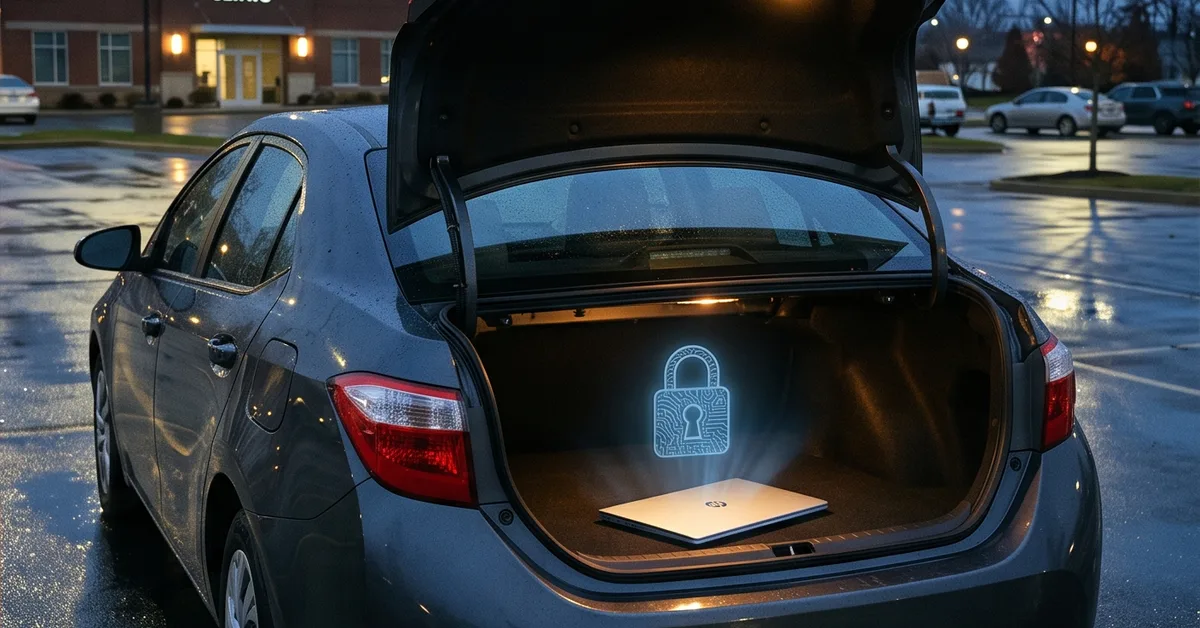
Your associate stops for groceries on the way home. When she gets back to the car, the rear window is broken and the work laptop is gone.
On it: the practice email, a few exported reports, some patient images she was reviewing, and a saved login to the practice-management system.
What happens next isn’t decided by the thief. It was decided months ago, by whether that laptop was encrypted and whether anyone could prove it.
Here are four things owner-doctors should understand about that decision.
A lost device or a reportable breach
Under HIPAA, a lost or stolen device holding protected health information (PHI) is presumed to be a breach unless you can show the data wasn’t actually accessible.
Unencrypted, the practice is looking at notification letters to every patient whose information was on the device, a report to the Department of Health and Human Services, possibly media notice depending on the count, and an investigation into why the device wasn’t protected.
Encrypted, with the key secured, the same theft is a stolen laptop. You file a police report, replace the hardware, and move on. The data was never readable.
That’s the whole difference. Not a smaller breach, but no breach to report.
What encryption actually does
Full-disk encryption scrambles everything stored on the device. Without the key, the drive is noise. Pull it out, plug it into another machine, boot from a USB stick: still noise.
Both major platforms build this in. Windows calls it BitLocker. Apple calls it FileVault. Phones and tablets from both vendors encrypt by default when a passcode is set.
The important clarification: encryption protects data at rest, meaning on a device that’s off or locked. It doesn’t stop someone who’s logged in, doesn’t stop malware running on a live machine, and doesn’t protect what was emailed out. It solves the lost-and-stolen problem specifically, and it solves it completely.
Encrypted is not the same as encrypted and managed
Here’s where most practices are exposed without knowing it.
Turning encryption on for one laptop is easy. Knowing that it’s on for every device, that the recovery keys are stored somewhere the practice controls, and that you can produce a report saying so is a different job.
Without managed encryption, the usual situation is: some devices are encrypted, some aren’t, a few recovery keys are in an ex-employee’s personal account, and nobody can say which is which.
When the laptop goes missing, “I think it was encrypted” doesn’t satisfy an investigator or an insurer. A dated report from a management system showing the device’s encryption status does.
Every device, not just the doctor’s laptop
The owner-doctor’s laptop is usually the one that got attention. It’s rarely the only one that matters.
Walk through the list:
- The front-desk computers with the practice-management system logged in all day
- Tablets used for patient intake and to show imaging in the operatory
- The office manager’s laptop that goes home with the books
- Phones with practice email, the texting platform, or the on-call app
- The associate’s or hygienist’s personal device that has practice email “just for scheduling”
If any of those hold or can reach patient information, they belong on the encryption list. If you can’t say whether they’re on it, that’s the answer.
The setting you set before you needed it
Encryption is the rare control that costs almost nothing, is built into the devices you already own, and turns a worst-case scenario into an inconvenience.
The reason practices still get caught is that it was never done deliberately across every device, never verified, and never documented. The theft is random. The outcome isn’t.
The right time to confirm it is before the window gets broken.
We help practices roll out managed encryption across every device that touches patient data, secure the keys, and produce the reports that turn a stolen laptop into a paperwork problem. It starts with a 10-minute discovery call.
Call us at 405-253-5101 or schedule a discovery call to get on the calendar.